Shortcuts
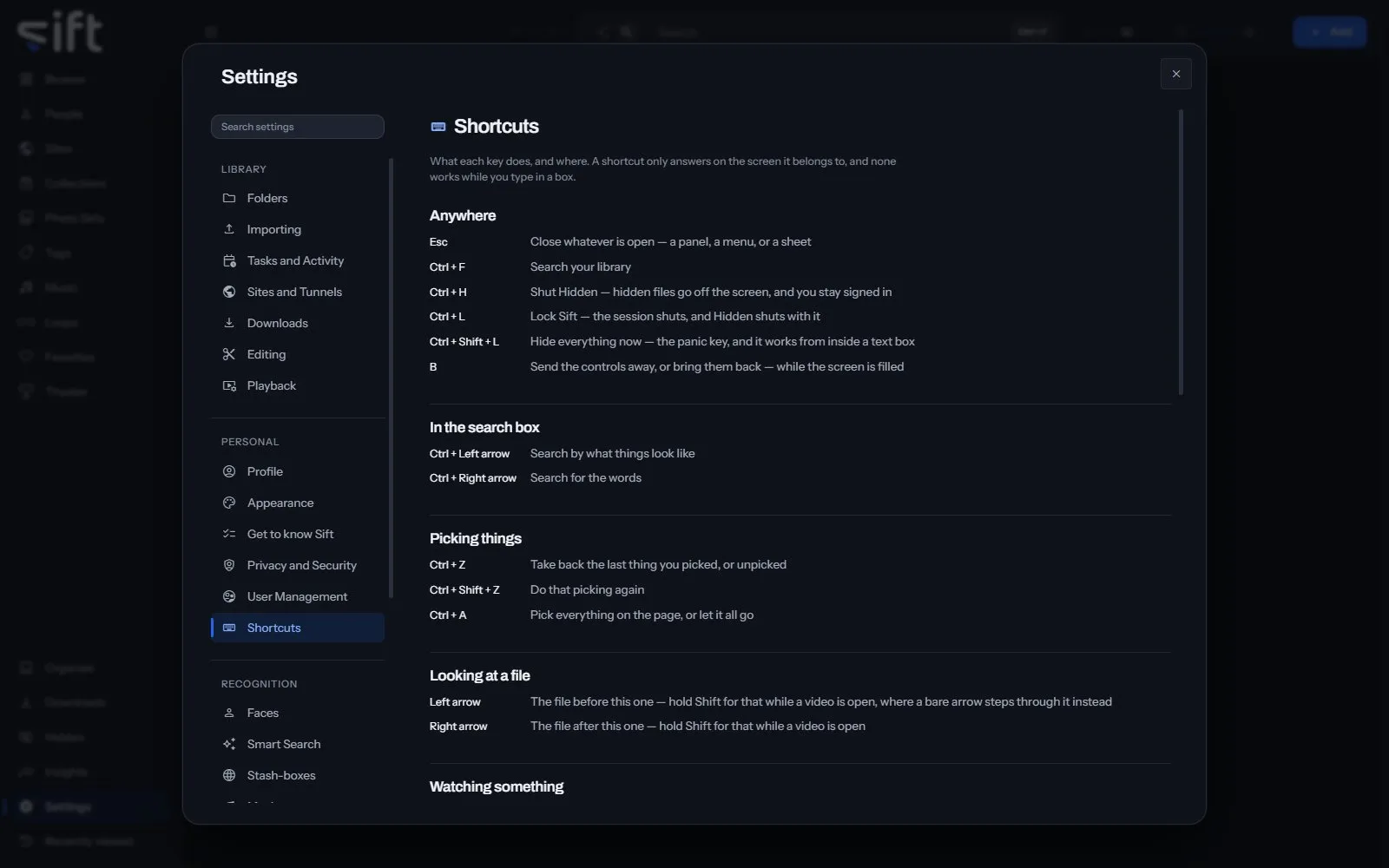
Shortcuts is the list of what each key does in Sift, and where. To open it, go to Settings > Shortcuts.
Come here to look up a key. A shortcut works only on the screen it belongs to, and none works while you type in a box.
On this pane
Section titled “On this pane”Nothing on this pane can be changed. It lists the keys in these groups:
- Anywhere: closing what is open, searching, locking Hidden and Sift, and the panic key.
- In the search box: switching between searching by what things look like and by words.
- Picking things: picking everything, and taking back or doing again the last pick.
- Looking at a file: the file before and after this one.
- Watching something: play, pause, step, volume, the Mini player, repeat, shuffle, Loops and full screen.
- Theater: controlling one cell or every cell, and their volume.
Nothing on this pane is a stored setting.