Get to know Sift
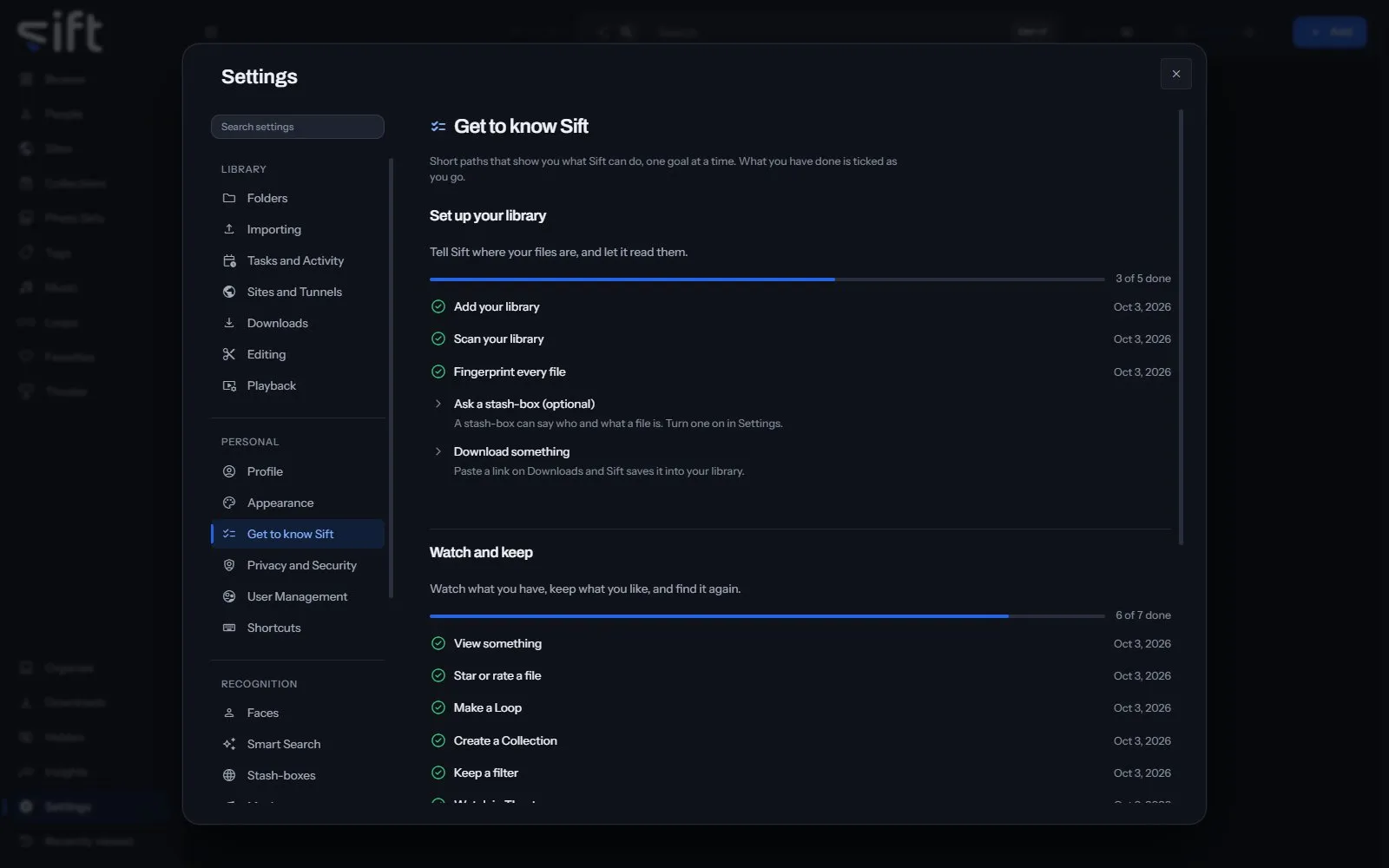
Get to know Sift is a set of short paths that show you what Sift can do, one goal at a time. To open it, go to Settings > Get to know Sift.
Come here to see what you have tried and what to try next. Each step is ticked when you do it, wherever you do it.
On this pane
Section titled “On this pane”Nothing on this pane is a setting. It draws three paths, each with its steps:
- Set up your library: add your library, scan it, fingerprint every file, ask a stash-box and download something.
- Watch and keep: view something, star or rate a file, make a Loop, create a Collection, keep a filter and watch in Theater.
- Organize with Sift: review a folder, name a face, clear a group on Organize, and name 100 and then 1,000 faces.
A step you’ve done shows the day you did it.
Nothing on this pane is a stored setting.