Music
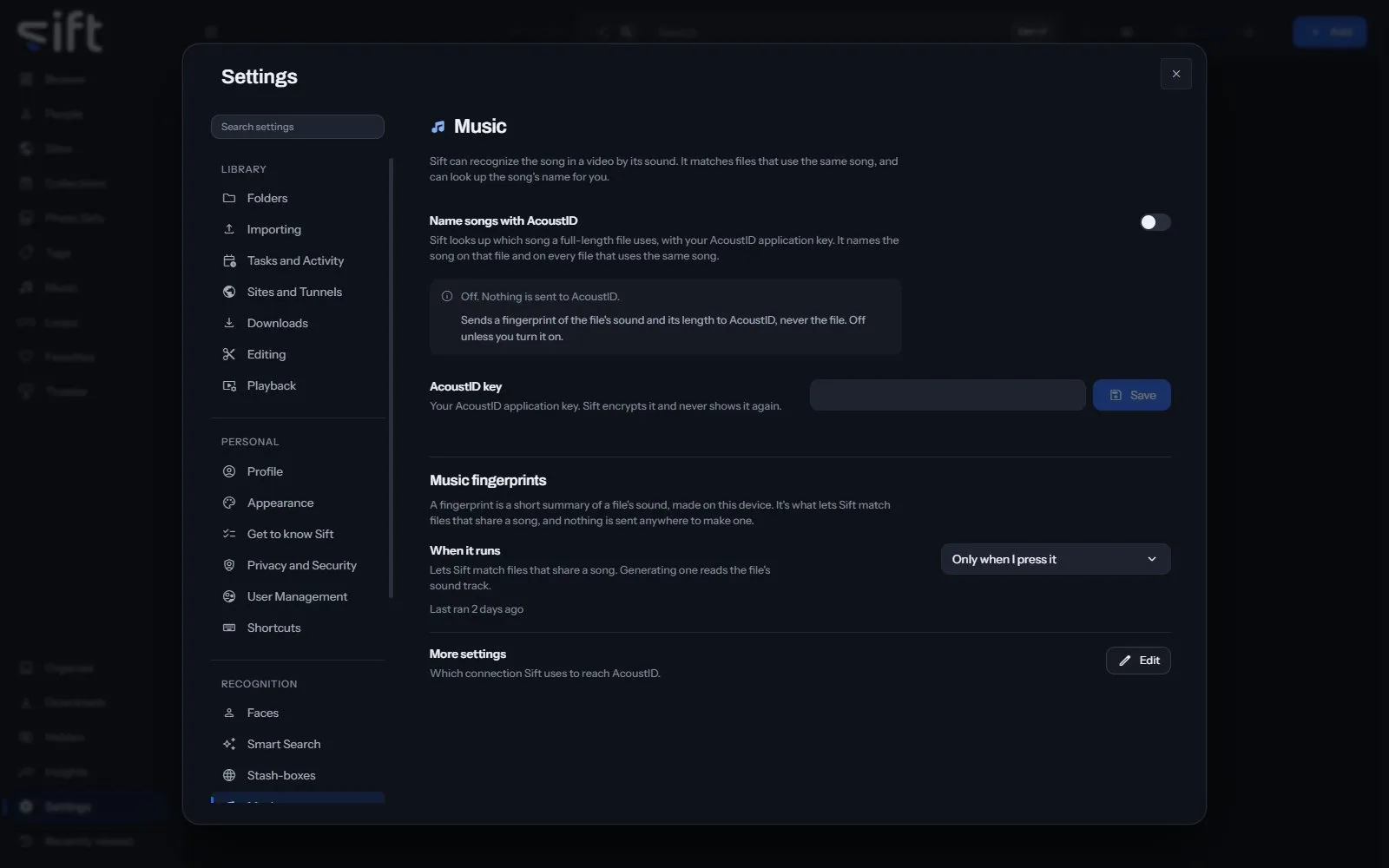
Music is where you set up how Sift recognizes the song in a file by its sound. To open it, go to Settings > Music.
Come here to add your AcoustID key so Sift can name songs, or to choose when music fingerprints are made. Sift makes each fingerprint with Chromaprint on your computer and looks the song up on AcoustID.
On this pane
Section titled “On this pane”The first rows have no heading: naming songs with AcoustID, and your key. Then the pane draws one group:
- Music fingerprints: a short summary of a file’s sound, made on your computer, so Sift can match files that share a song. It shows when creating them runs, and More settings.
Rows the pane draws by hand
Section titled “Rows the pane draws by hand”- AcoustID key: your AcoustID application key. Save encrypts it, and Sift never shows it again.
- More settings: Edit opens which connection Sift uses to reach AcoustID.
A lookup sends a fingerprint of the file’s sound and its length to AcoustID, never the file.
Every setting
Section titled “Every setting”Name songs with AcoustID
Section titled “Name songs with AcoustID”Sift looks up which song a full-length file uses, with your AcoustID application key. It names the song on that file and on every file that uses the same song.
Sends a fingerprint of the file’s sound and its length to AcoustID, never the file. Off unless you turn it on.
- Path: Settings > Music > Name songs with AcoustID
- Default: Off
- Who sets it: an admin, for everyone on this Sift
Connect to AcoustID through
Section titled “Connect to AcoustID through”A tunnel you added under Sites, or nothing to connect directly.
- Path: Settings > Music > Connect to AcoustID through
- Default: empty
- Choices: Direct
- Who sets it: an admin, for everyone on this Sift