Loops
Loops holds every stretch of a video you saved as a Loop, each as a tile that plays the stretch. To open it, click Loops in the sidebar.
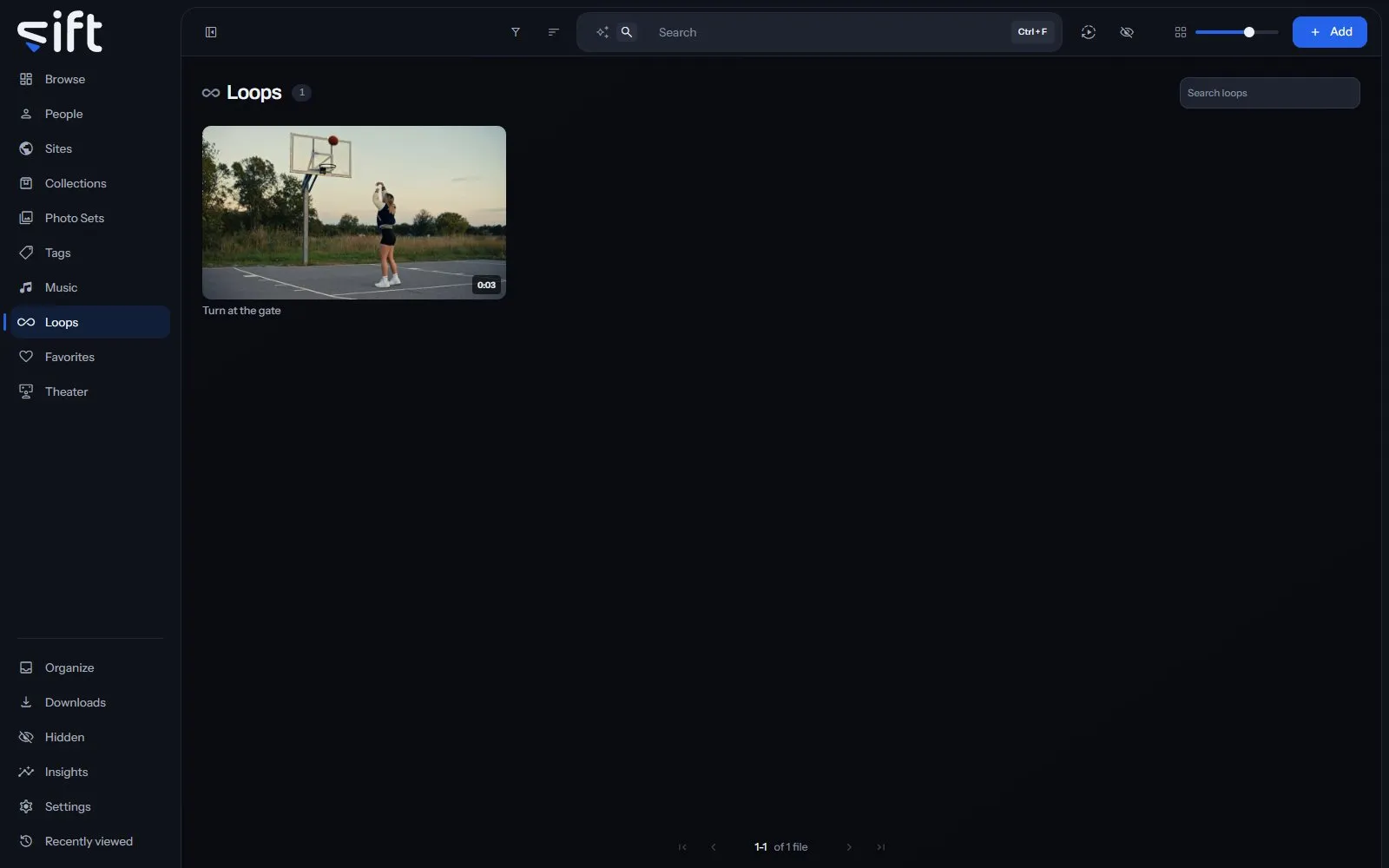
Save a Loop
Section titled “Save a Loop”A Loop is cut in the player, from a video that’s playing:
- Open a video and play it.
- Press L at the start of the stretch you want, and press L again at its end.
- Click Save as Loop.
Sift saves the stretch as a clip of its own, so the tile plays exactly what you marked. The video you cut it from doesn’t change. In Theater, the same two presses and Save as Loop are in each cell’s controls; see Theater.
Find a Loop
Section titled “Find a Loop”The search box at the top of Loops finds a Loop by its own name or by the name of the file it’s cut from. Filter filters the wall by the files the Loops are cut from, the same way it does on Browse.
Sort by puts the wall in one of these orders:
- Recently created: the newest Loop first.
- Oldest created: the first Loop you saved first.
- Recently edited: the most recently changed first.
- Name A-Z and Name Z-A: by name.
- Longest and Shortest: by the length of the Loop, not of the video.
What a Loop’s menu does
Section titled “What a Loop’s menu does”Right-click a tile, or click its three dots, to open its menu. Most rows act on the video the Loop is cut from, as they do on every wall:
- Similar to this: shows files that look like this one.
- Add to: adds the video to a Person, Site, Collection, Photo Set, Tag or Song, or to Favorites.
- Pin: keeps the video at the top of its wall.
- Rating: gives the video a rating.
- Copy link: copies a link to the video.
- Save to device: saves a copy of the video to the device you’re using.
- Create GIF: makes a GIF from the video.
- Rename: renames the video’s file.
- Run task: runs one of Sift’s tasks on the video now.
- Auto-enrich and Enrich: look the video up on a stash-box.
- Don’t enrich: keeps the video out of stash-box lookups.
- Don’t swap: keeps the video out of a swap.
- Hide: moves the video into Hidden.
- Share: shares the video with another User.
- Visibility: shows who can see the video, and why.
Only an admin sees Rename, Create GIF and the three stash-box rows.
The last rows act on the Loop itself:
- Tag this loop: puts a tag on the Loop, not on the whole video. Only an admin sees this row.
- Save as a clip: turns a Loop that’s still a stretch of its video into a clip of its own. It’s offered only on those Loops.
- Rename this loop: gives the Loop a name, shown under its tile.
- Delete this loop: deletes the Loop. The video keeps every byte.
Select several tiles to delete them together. Moving, compressing, trimming or deleting the video isn’t offered here, so a press on a Loop can’t remove the video by mistake.